
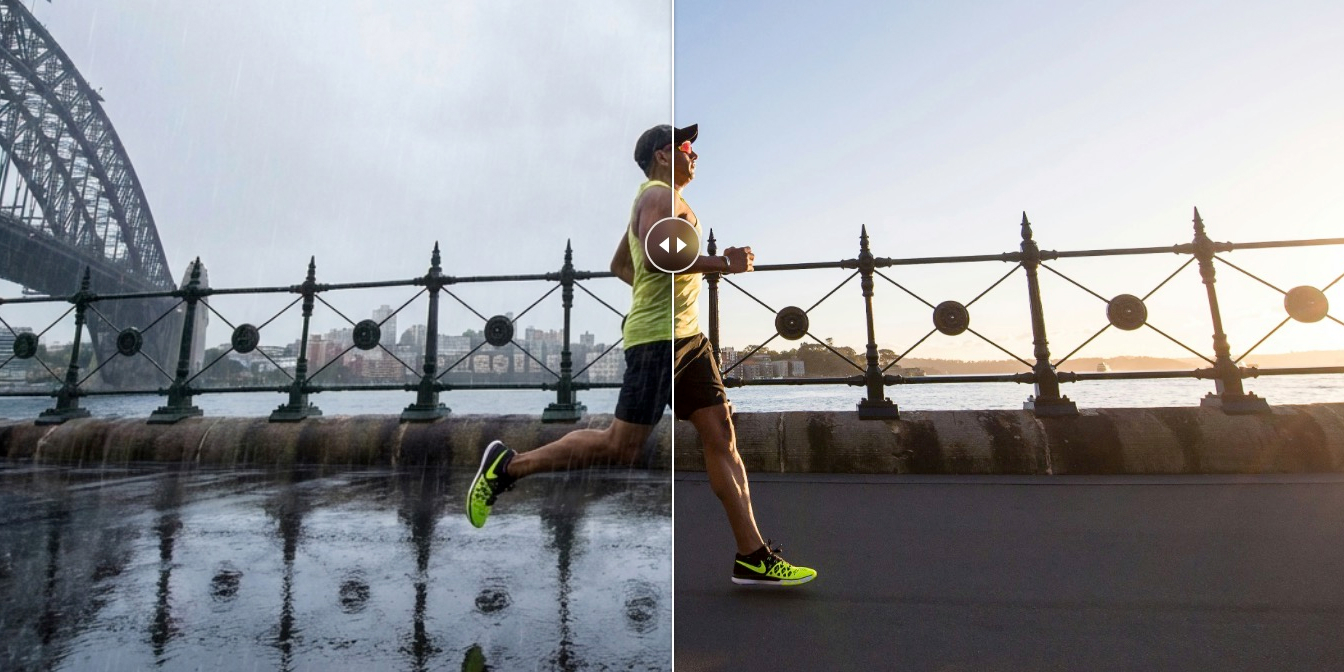
Searching for "free AI image editor" is an exercise in frustration. Half the results are subscription tools with a free trial. The other half are ad-riddled web apps that watermark everything.
Genuinely free AI image editing exists. You just have to know where to look and what trade-offs you're accepting.
This guide covers tools that are actually free. Not "free for 3 images" or "free with watermark." Each has limitations, but none will surprise you with a paywall mid-edit.
What "free" actually means
Let's be clear about the different flavors of free:
- Free tier (limited) You get X images/month, then pay. Fine for occasional use.
- Free with ads The tool is free, you're the product. Usually web-based, often sketchy.
- Free + API costs (BYOK) The tool is free, you pay the AI provider directly for usage. Often the best deal for regular users.
- Open source Truly free, run it yourself. Requires some technical comfort.
This list focuses on the last two categories.
StaticKit
Free + BYOK (Gemini API)
StaticKit is a desktop-quality image editor that runs in your browser and uses your own Google AI API key. No account required, no usage limits from the tool itself. You just pay Google's API rates.
- Best for Regular users who want full AI editing capabilities without subscriptions.
- Strengths Full natural language editing, smart presets for common tasks, no watermarks, no artificial limits, open source.
- Limitations Requires setting up a Google AI API key (takes 2 minutes). Only supports Gemini models currently.
- True cost Roughly $0.01-0.05 per image edit depending on complexity.
Photopea + AI Plugins
Free with ads (optional paid to remove)
Photopea is a Photoshop clone that runs in browser. It doesn't have built-in AI, but supports plugins that add AI capabilities. The base editor is legitimately powerful.
- Best for Users who want traditional editing tools with optional AI assist.
- Strengths Full Photoshop-level editing capability, PSD file support, no account required.
- Limitations AI features depend on third-party plugins. Plugin quality varies. Ads (removable with $5/month).
GIMP + Stable Diffusion Plugins
Open source
GIMP is the original free Photoshop alternative. With community plugins, you can connect it to Stable Diffusion for AI generation and editing.
- Best for Technical users comfortable with setup and configuration.
- Strengths Completely free and open source, no usage limits, full control over models and settings.
- Limitations Significant setup required, UI is dated, plugins require local Stable Diffusion installation.
Canva (Free Tier)
Freemium
Canva's free tier includes limited AI features. It's not unlimited, but the limits are reasonable for casual use.
- Best for Casual users who want simple edits without setup.
- Strengths Zero setup, works immediately, intuitive interface, includes design templates.
- Limitations AI features limited on free tier, some features watermarked until you pay.
How to choose
- If you edit images regularly and want real AI capabilities without subscriptions: StaticKit
- If you need Photoshop-level control with optional AI: Photopea
- If you're technical and want maximum control: GIMP + Stable Diffusion
- If you just need occasional simple edits: Canva free tier
The hidden cost of "free"
A note on sustainability: truly free tools either have a business model you can't see (ads, data) or are passion projects that may disappear.
BYOK tools are transparent: the tool is free, you pay the AI provider. This is often the best deal because AI API costs are commoditized and dropping, you're not subsidizing other users, and the tool creator doesn't need to enshittify the product to make money.
Know which model you're dealing with.
Key takeaways
- Actually free options exist. BYOK and open source tools have no usage fees.
- BYOK is often the best deal for regular users. Pay-per-use beats subscriptions for most people.
- "Free tier" usually means "limited trial." Check what's actually included before committing.
- Consider the business model. It tells you how the tool will evolve.